A website, frozen as a shadow
kage renders every page in headless Chrome, snapshots the final DOM, removes every script and event handler, and downloads and rewrites the CSS, images, and fonts. The result looks like the live site but runs no code: a plain folder of .html files you can open straight from disk.
Saving a page with "Save As" gives you a copy that still phones home, still runs analytics, and often renders blank because the markup is built by JavaScript at runtime. kage (影, "shadow") takes the opposite approach: it drives a real browser, captures the page the way a human would have seen it, then makes it inert.
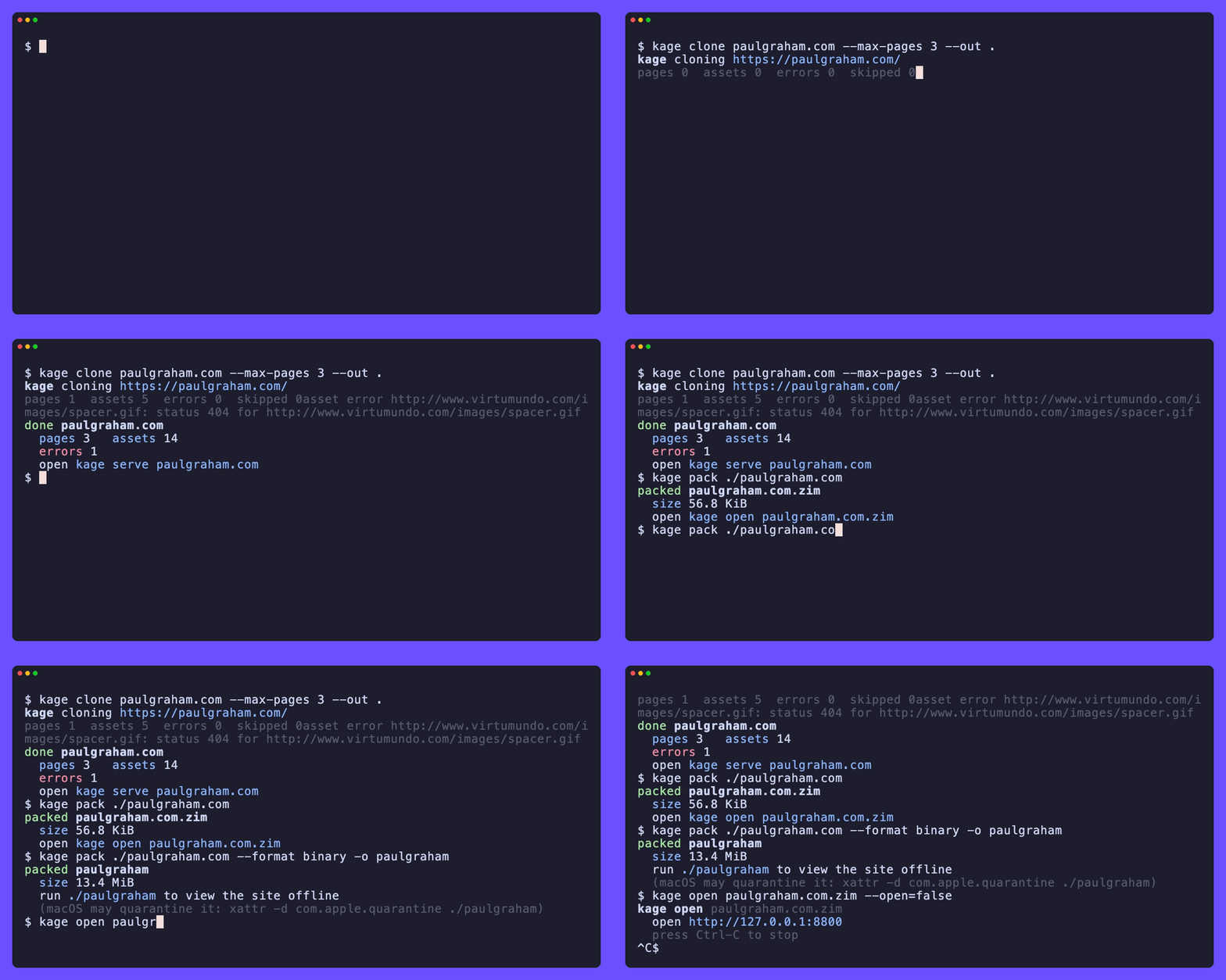
Say you want Paul Graham's essays on a laptop with no wifi. One command mirrors the site; a second serves it back offline:
kage clone paulgraham.com
kage serve $HOME/data/kage/paulgraham.com
What it does
- Renders first, saves second. Each page goes through real headless Chrome, so a page whose content is assembled by JavaScript is captured fully, not as an empty shell.
- Strips every script. Once the DOM is captured, kage removes all
<script>tags, everyon*event handler, and anyjavascript:URL. The saved page makes no network calls and runs no code. - Keeps the layout. Stylesheets, images, fonts, and media are downloaded and rewritten to relative local paths, so the offline copy looks like the original.
- Stays browsable. In-scope links are rewritten to point at the other saved pages, so you can click around the mirror exactly as you would the live site.
- Packs into one file. Collapse a mirror into a single ZIM archive, the open format Kiwix uses, or a self-contained binary that serves the site when run.
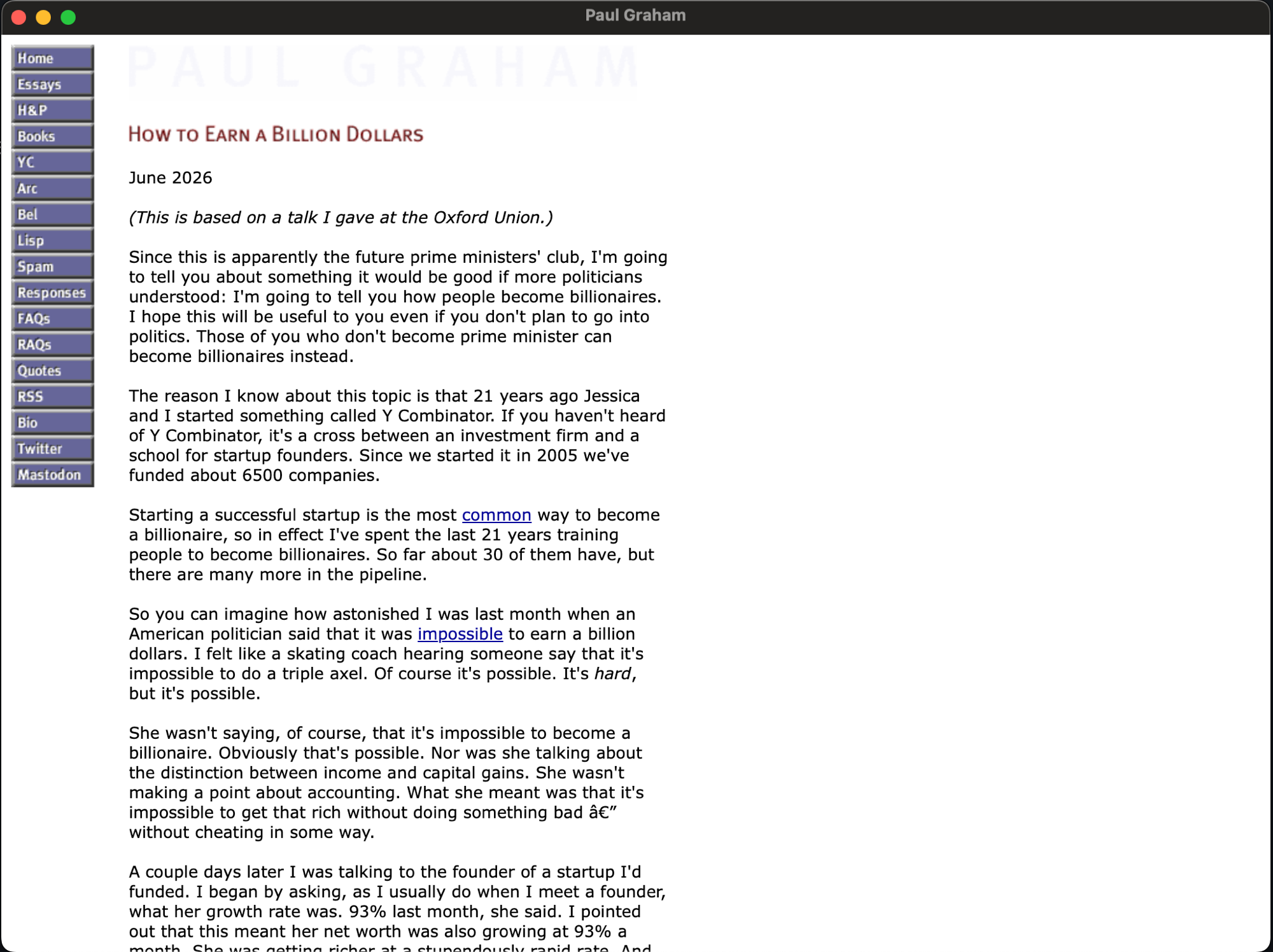
Build kage with the webview tag and a packed binary opens in its own window instead of a browser tab, so an offline mirror feels like a real app:
Where to go next
- New here? Start with the introduction, then the quick start.
- Want to install it? See installation.
- Looking for a specific task? The guides cover scoping a crawl, serving a mirror, resuming an interrupted run, and packing a mirror into one file or a self-contained viewer.
- Need every flag? The CLI reference is the full surface.